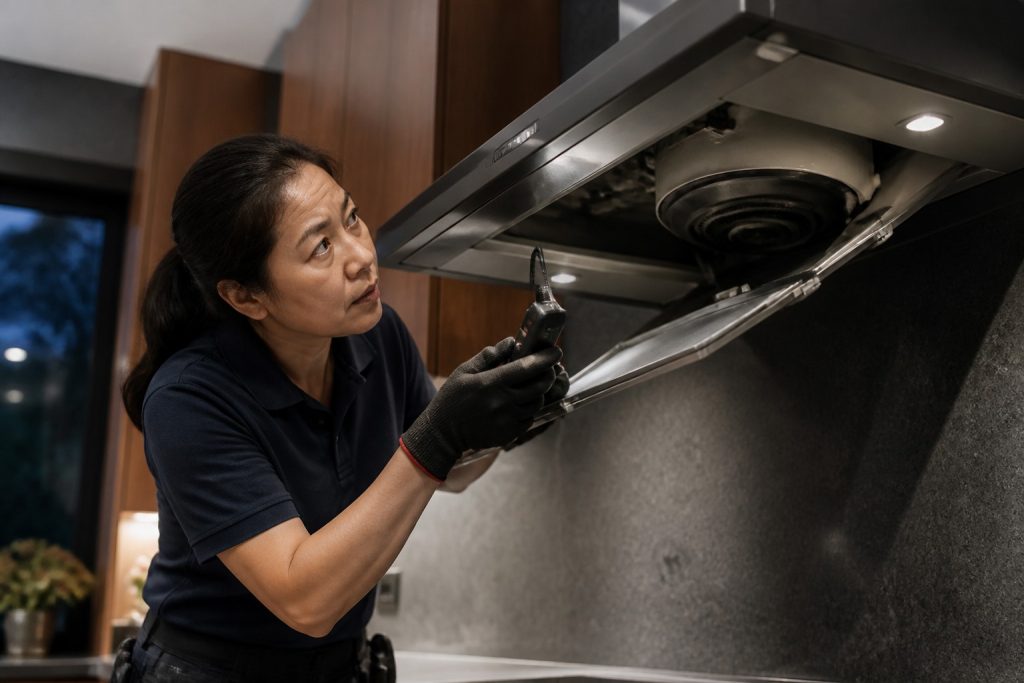
A practical walkthrough of how Fisher & Paykel displays faults, what to record, and when an independent technician should take over.
When a Fisher & Paykel appliance stops mid-cycle or beeps with a strange display, the first useful step is not a frantic reset. It is capturing what the machine is trying to say.
DishDrawers, wall ovens, induction cooktops, and ActiveSmart refrigerators do not all speak the same language. Some scroll text. Others flash a status LED in a count you have to watch carefully. A few store the last fault in a service menu you will never see during normal cooking.
This article is written from an independent repair perspective: how to read the signal safely, what owners can check without tools, and which patterns mean you should stop using the product until it is inspected.
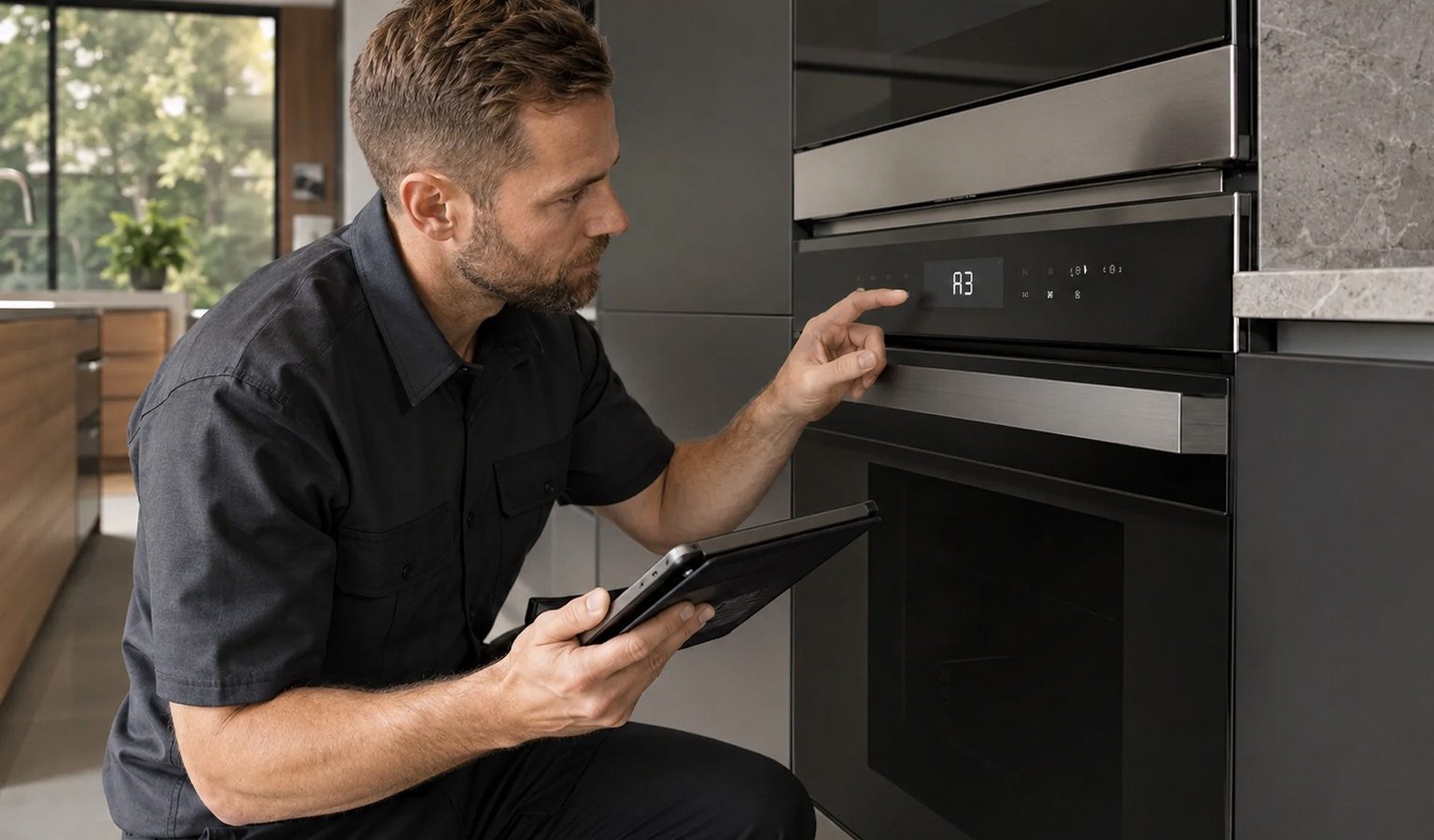
Wall ovens and many refrigeration products put a short alphanumeric string on the display, often with a tone. Compact controls—especially on DishDrawer dishwashers—may only blink a light a set number of times. Induction surfaces can freeze the touch interface and show a zone-specific symbol.
If your unit is panel-ready, look behind the door edge or under the kick plate for a secondary status window. The use-and-care guide for that exact model family is the authority on where the message appears.
Write the characters exactly as shown, or film a full flash cycle twice so the count is unambiguous. Note what the appliance was doing: filling, heating, draining, locking, or idle.
A photo of the rating plate next to the code saves time later. Model and serial context often decides which code table applies, because numbering is not universal across Fisher & Paykel generations.
Supply and door alerts are common: water shut off at the stopcock, a DishDrawer not fully closed, a filter overdue, or a delayed start still armed. Those usually clear once the condition is fixed.
Sensor, valve, lock, and control-board faults behave differently. They either reappear immediately or interrupt the same step of every cycle. Clearing them repeatedly without diagnosis can hide an intermittent failure.
Leak, flood, overheat, and lock-release faults are not “try again tomorrow” messages. Standing water near outlets, scorched odors, or a door that will not release after a hot cycle all warrant shutting the appliance down.
Safety note: If you smell gas, see smoke, or find water near live electrical points, leave the appliance alone and isolate power only if you can do so dry and without opening sealed gas or refrigerant systems.
An independent technician confirms the live code, checks supply conditions, then tests the subsystem the code maps to—thermistor, inlet valve, drain pump, latch, or board. Parts are only recommended after that path is proven.
Browse our error code resources if you already have a reading and want to prepare for the visit.
A single safe power cycle can clear an alert after you fix a door, filter, or supply issue. If the same code returns on the next attempt, stop resetting and book diagnostics.
No. Flash counts and alphanumeric oven strings are separate systems. Always match the signal to the manual for that product line.
Only if there was no leak, burning smell, or lock problem, and a full normal cycle completes cleanly. Recurring silent failures still deserve a check.
Need help translating a code into a repair plan? Reach out to our team with the display text or flash count and your model details.
Accurate notes beat repeated resets—and they usually shorten the diagnostic visit.
Unresponsive Fisher & Paykel induction surfaces are often cookware, lockout, or power related before they are “dead boards.”
New sounds from a Fisher & Paykel hood usually mean a loose filter, imbalanced blower, or duct resonance—not something to ignore.
Dribbly shots and noisy grinders on Fisher & Paykel coffee makers often share grind, oil, and scale causes.
Share a few details and we’ll confirm an appointment. Prefer to talk? Call us and we’ll help right away.
Fields marked with * are required.